
Understanding and managing personal finances doesn’t always come easily. For many people, tracking spending patterns, budgeting, and saving for future goals can feel overwhelming.
This is where modern financial tools come in, offering new ways to organize your money and develop healthier habits.
This guide focuses on Wells Fargo Financial Tools features within the Wells Fargo digital banking system, designed to help anyone, from first-time budgeters to experienced savers, make more informed decisions.
Whether you’re aiming to build savings, reduce debt, or just keep better tabs on daily expenses, these digital tools can support you along the way.
It’s especially helpful if you’re already banking with Wells Fargo, though many of the concepts here can apply more broadly.
Why Smart Spending Matters in Today’s World
Modern life is full of choices that tug at our wallets. Small expenses, recurring subscriptions, and unpredictable costs can add up quickly. With the right approach, thoughtfully tracking these outflows makes it easier to avoid financial stress.
Smart spending means aiming for balance, meeting your needs, enjoying life, and prioritizing the future, all at once. Technology, like that from Wells Fargo , can play a supportive role in this endeavor.
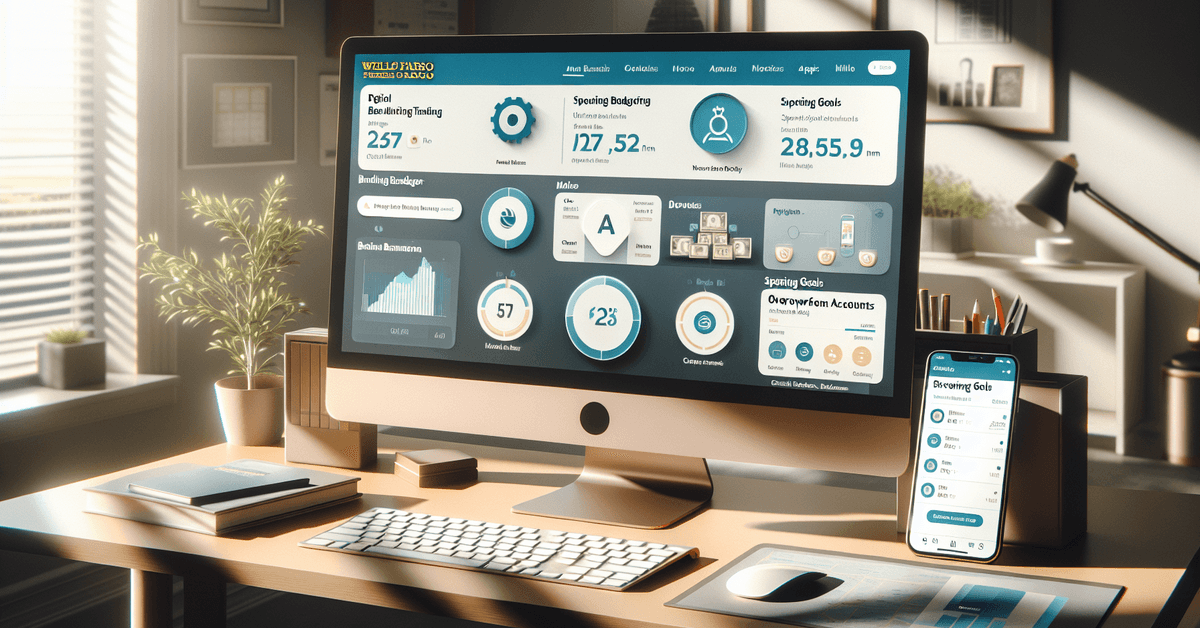
Overview: What Are Wells Fargo Financial Tools?
Wells Fargo offers a range of digital resources through its online banking and mobile app. Some are standard, like transaction histories or balance checks.
Others go a step further, enabling interactive budgeting, automated categorization, and spending notifications.
Altogether, these financial management tools aim to simplify the process of monitoring cash flow and aligning spending with personal priorities.
Key Features at a Glance
- Budgeting dashboards for tracking income and expenses over time
- Spending analysis with automatic categorization
- Alerts and notifications for low balances or unusual account activity
- Goal-setting tools for targeted savings
- Bill management to view and pay bills in one place
- Customizable account views
The combination of these features can help users develop better spending habits and identify patterns that might need adjustment.

Setting Up Wells Fargo’s Digital Banking Tools
If you already use Wells Fargo’s online banking, accessing these tools generally requires no extra steps. They’re built into the website and mobile app. Customers can log in, navigate to the account dashboard, and start exploring.
However, to get the most from these tools, it’s helpful to become familiar with the interface.
The “Control Tower” provides a centralized overview, while sections like “My Spending Report” break down monthly trends. Exploring these areas occasionally, maybe once a week, can reveal much about where money goes, even if sometimes it’s a little surprising.
Spending Analysis: Breaking Down Where Money Goes
One area where digital finance tools really shine is in automatically sorting transactions into categories. At Wells Fargo, the My Spending Report function does this for you.
Whenever you use a card, make a transfer, or even pay a bill, the tool assigns that amount to a category, such as groceries, bills, dining, transportation, or entertainment.
Of course, automated categorization isn’t perfect. Maybe you purchased a combination of things at a superstore, a shirt, some milk, and batteries, and the app classified it only as “Retail.”
It can help to check categories and adjust when needed. Over time, this process becomes part of a routine and reveals useful patterns.
Tip: Reviewing these reports at the end of the month sometimes uncovers forgotten subscriptions or repeated small purchases that add up.
Building a Personal Budget with Wells Fargo
Budgeting often sounds restrictive, but when tools do much of the organizing, it feels more manageable. Within the Wells Fargo platform, users can set up personal budgets based on real spending data.
The dashboard summarizes inflows and outflows, then lets you set limits by category or goal, say, a cap on dining out each month or a minimum toward emergency savings.
The interface provides visual prompts and, sometimes, gentle nudges: “You’re close to your monthly target for coffee shops.” These reminders aren’t judgmental, although there may be mixed feelings about being reminded, especially if you love your morning espresso runs.
As needs change, it’s easy to adjust targets. Perhaps the holidays require more flexibility, or maybe you receive a bonus at work. The budget can reflect life’s ups and downs in real time.
Using Goals and Automated Savings Features
Saving for something specific is often more motivating than building a generic nest egg. Wells Fargo’s tools allow you to create and track savings goals, like a vacation, new laptop, or emergency fund.
The app shows progress and offers suggestions for making regular transfers. Automating savings is a feature that can make a big difference over time, especially for those who sometimes forget to move money manually.
By transferring a set amount monthly, or even weekly, towards a goal, people can work up to bigger milestones almost without noticing.
| Goal | Suggested Monthly Savings | Estimated Time to Reach Goal |
|---|---|---|
| Emergency Fund ($2,000) | $100 | 20 months |
| Vacation ($1,200) | $100 | 12 months |
| Laptop ($900) | $75 | 12 months |
Tables like this can help visualize progress, which is why the Wells Fargo app offers similar visual summaries.
Bill Management: Staying on Top of Payments
Keeping track of due dates for bills and loan payments can be a challenge, especially with busy schedules. The Wells Fargo portal aggregates incoming bills and shows due dates, amounts, and payees in one place. This can lead to fewer late payments and less stress.
It’s possible to set up recurring payments or reminders, and the interface allows you to see upcoming obligations versus current cash balances. Some people use this feature to avoid overdraft fees, while others rely on it for peace of mind.
Alerts and Account Activity Notifications
Timely alerts can make a notable difference. Wells Fargo provides customizable notifications for things like low balances, new deposits, large withdrawals, or even suspected fraud.
It’s generally considered a good idea to enable these alerts, though preferences vary.
Receiving a text or app notification after a large purchase or before a recurring bill can help manage expectations and provide a sense of control. Of course, for those who prefer less noise, settings can be adjusted or switched off entirely.
Security and Privacy Considerations
Online financial tools require a degree of trust in data security and privacy. Wells Fargo follows industry guidelines and provides resources on safe digital banking, encryption, and fraud prevention.
Customers are encouraged to set strong passwords and use features like two-step verification.
For further information about Wells Fargo’s security practices, their privacy and security center offers comprehensive tips. It’s reasonable to periodically check these sections for updates and best practices, as cyber risks continue to evolve.
Comparing Wells Fargo to Other Financial Tools
There are alternative budgeting and financial planning apps, such as Mint, YNAB (You Need A Budget), and Personal Capital.
Some users prefer tools that aggregate accounts from multiple banks, while others value the integration that comes from using everything in one banking app.
| Feature | Wells Fargo | Mint | YNAB |
|---|---|---|---|
| Integrated banking | Yes | Limited | Limited |
| Automated budgeting | Yes | Yes | Yes |
| Savings goals | Yes | No | Yes |
| Bill pay | Yes | No | No |
Expanding Financial Knowledge and Resources
Many people benefit from ongoing financial education. Wells Fargo’s Financial Education Center hosts interactive lessons, articles, and calculators.
These offer strategies on saving, spending, credit management, and more. Whether starting out or refining a long-term plan, resources like these can make a meaningful difference.
Practical Tips for Getting Value from Digital Tools
- Review spending summaries at least monthly for unexpected charges.
- Adjust budgets following life changes, such as job shifts or major expenses.
- Use savings goals to break down large goals into manageable steps.
- Enable notifications that fit your lifestyle for peace of mind.
- Explore help centers if features feel overwhelming; support is often only a click away.
Conclusion: Developing Healthy Money Habits with Wells Fargo
Wells Fargo’s suite of financial tools aims to provide clarity and confidence for everyday money management.
By offering customizable options for tracking, budgeting, saving, and protecting accounts, digital banking platforms empower individuals to align spending with values and goals.
While there will always be unplanned expenses and life’s financial curveballs, having the right support system makes it easier to adapt.
For further insights, Wells Fargo’s official website is a resource worth visiting. Readers may also find it helpful to read about choosing the right bank account for more tips. Exploring digital tools thoughtfully is just one step toward a more secure financial future.